Mint Breeze
Cool mint air for a clear head.
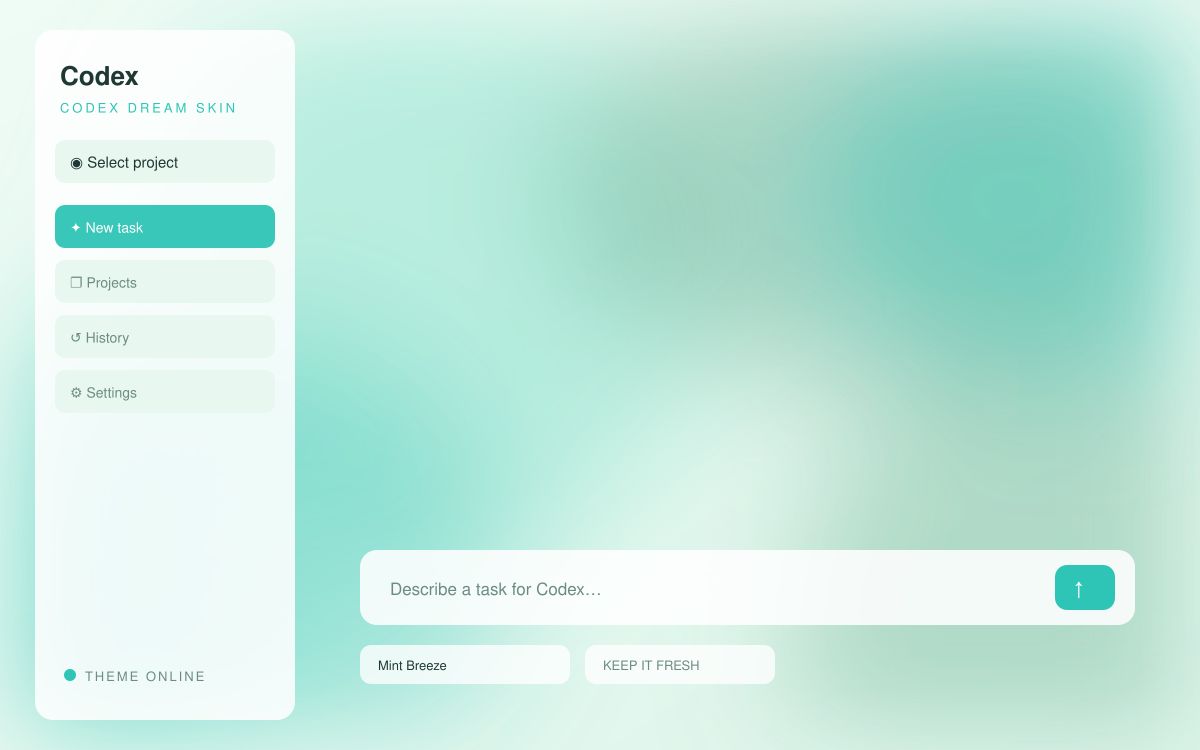
⬇ Download Mint Breeze (free)zip · background.jpg + theme.json · light theme
Apply this skin
- Install Codex Dream Skin once (free, open source) — see our step-by-step guide.
- Unzip this pack.
- Run the Dream Skin Customize command and pick
background.jpg— or copy both files into the active theme folder for the exact colors shown above. - Restart the skin. Done — one click restores the official UI anytime.